
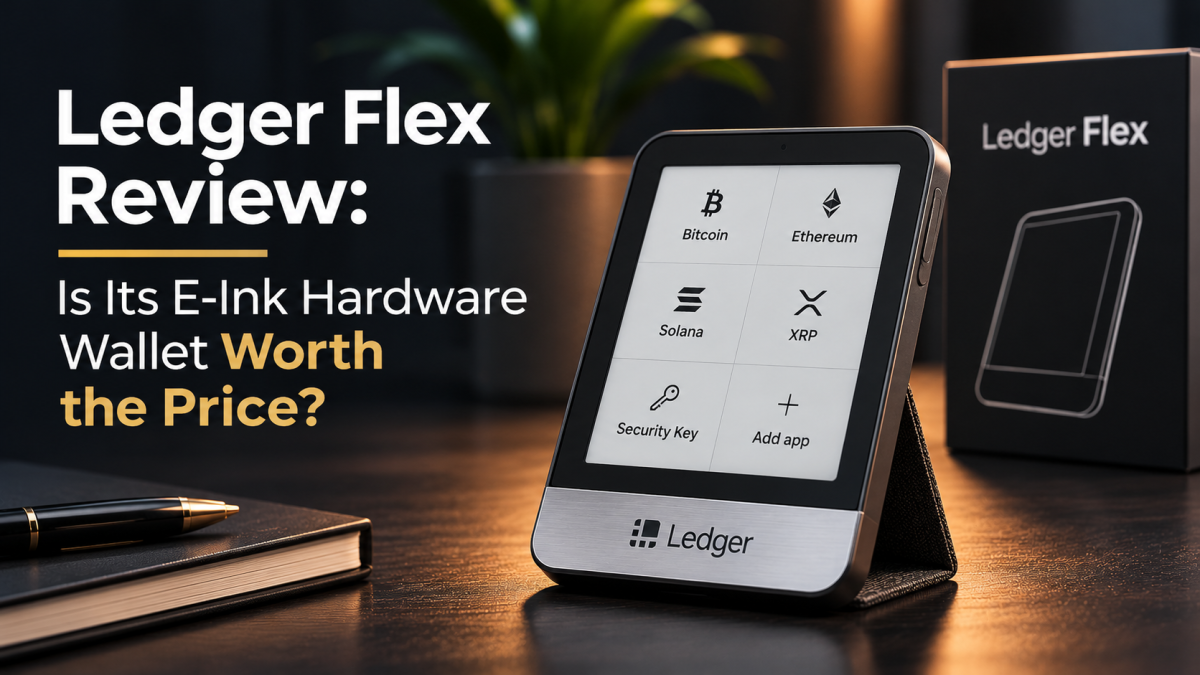
The Ledger Flex is designed for people who want more than the small screens and button-driven approval process found on traditional hardware wallets. Its 2.8-inch E Ink touchscreen makes transaction details easier to inspect, while Bluetooth, NFC and USB-C give it a flexible connection setup. The question is whether those conveniences justify choosing it over a simpler, less expensive signer – and how much confidence buyers should place in its security model.
This review is based on desk research conducted on 17 November 2026. We examined Ledger’s current product and support documentation, its published security bulletins and independent reporting. We did not purchase or physically test a Ledger Flex, so this is not a hands-on review.
What the Ledger Flex actually is
Ledger increasingly describes its devices as “signers”: they hold the private keys used to authorise transactions rather than storing cryptocurrency itself. The assets remain recorded on their respective blockchains. The Flex keeps the signing keys within a Secure Element and provides a separate screen on which the user can inspect and approve operations.
The device has a 2.8-inch, 16-shade E Ink touchscreen protected by Gorilla Glass, with a 480 × 600 pixel resolution. Its frame is aluminium, its rear cover is plastic, and it weighs about 56 grams. Ledger specifies Bluetooth Low Energy 5.2 for mobile connections, USB-C for desktop use and charging, and NFC for compatible features such as the Recovery Key and Security Key.
It is compatible with Ledger Wallet on supported Windows, macOS and Linux computers and iOS and Android devices. Ledger lists Windows 10 and 11, macOS Monterey and Ventura, Ubuntu LTS 20.04 and 22.04 (excluding ARM processors), iOS 14 or later and Android 10 or later in its published requirements. Chromebooks are not supported.
Display and everyday usability
The touchscreen is the Flex’s most obvious advantage. A larger display can make addresses, amounts and transaction details easier to read before approval. That matters because a hardware signer is only useful when the person holding it can understand what they are authorising.
E Ink is also well suited to a device that spends much of its time displaying static information. The trade-off is that it is not a conventional phone display: refresh behaviour and grayscale presentation are different, and the interface should be judged as a secure transaction screen rather than as a miniature tablet.
Ledger advertises up to 10 hours of battery autonomy. The Flex charges over USB-C; unlike the more expensive Ledger Stax, it does not offer Qi wireless charging. The screen is flat rather than curved, and the device does not include the Stax’s larger 3.7-inch display. Those differences help define the Flex as a middle option in Ledger’s touchscreen range.
Security: strong hardware, but not a complete guarantee
The Flex uses an ST33K1M5 Secure Element with a Common Criteria EAL6+ certification. That certification applies to the chip, not to every component of the wallet, its companion software or every transaction flow. Ledger OS and the Secure Element form part of the device’s security design, while the dedicated screen is intended to show the information being approved independently of the connected computer or phone.
This separation is valuable, but it should not be mistaken for immunity from malicious software. The host device, wallet interface, installed coin applications, smart contracts and the user’s own transaction review all remain relevant. A signer can protect private keys and still be asked to approve a dangerous or misleading transaction.
Ledger’s own security bulletins are an important part of an honest assessment. In January 2025, bulletin LSB 021 described a firmware-update validation issue affecting Flex, Stax and Nano X. Ledger said the issue could affect device operability, not put customer funds at risk, and listed Flex firmware 1.2.2 as the fixed release floor.
More recently, three bulletins published on 27 August 2026 addressed application-layer issues. LSB 023 described command interleaving that could desynchronise an on-screen review from the data ultimately signed in affected applications built with an older Ledger Secure SDK. LSB 024 described an Ethereum-app issue in which a very large operation list could be incompletely displayed, and LSB 025 described a swap-flow validation issue involving token approvals. Ledger published fixes for the SDK and Ethereum app; the latter issues were addressed in Ethereum app version 1.22.3.
These disclosures do not mean every Flex user was compromised. They do demonstrate why keeping both device firmware and individual coin applications current matters. Updating firmware alone does not necessarily update every installed app. Users should install current releases through the official Ledger Wallet software and read the device screen carefully. If the screen does not clearly describe the action they intend to take, they should reject it rather than guess.
Recovery: the included card and the recovery phrase
The Flex package includes a Recovery Sheet and Ledger Recovery Key. The card uses NFC and is PIN-protected; it stores an encrypted backup intended to make restoring access more convenient on compatible Ledger devices. It is an additional recovery option, not a replacement for understanding the wallet’s recovery model.
The underlying Secret Recovery Phrase remains critical. Anyone who obtains it may be able to restore the wallet elsewhere, so it should never be typed into a website, sent to support staff, photographed for cloud storage or shared with another person. Ledger support will not need the phrase to troubleshoot an ordinary issue.
There is also an important distinction for users who create accounts with an additional passphrase. Independent review material notes that the Recovery Key backs up the 24-word recovery phrase, not an extra passphrase. A passphrase-derived account therefore requires the user to preserve that additional secret separately and accurately. Losing it can mean losing access to those accounts even when the 24 words are available.
Ledger Recover is a separate, optional subscription service, not the same thing as the included Recovery Key. It uses an identity-based, provider-assisted recovery arrangement. Whether that model is appropriate depends on a person’s preferences about privacy, third-party involvement and recovery convenience. Buyers should read the current terms and regional availability before subscribing.
Asset support and the Ledger Wallet ecosystem
Ledger says Ledger Wallet supports more than 500 crypto assets directly, while thousands more coins, tokens and NFTs can be accessed through compatible third-party wallets. That distinction matters: “supported” does not mean every asset can be managed through the same app or has identical functionality.
Some users may need a separate wallet interface for a particular network or token. In those cases, the Flex is used to approve transactions prepared by that interface. Ledger lists compatibility with third-party wallets including MetaMask, Phantom, Rabby and Electrum, but compatibility can vary by asset, network and application version. Check the exact asset and operation before moving funds.
Buying, swapping and staking through Ledger Wallet can involve external providers. Their fees, spreads, custody arrangements, eligibility rules and regional availability are separate from the price of the hardware. A hardware signer does not remove the counterparty or smart-contract risks associated with those services.
Price and value
Ledger’s storefront presents the Flex in several finishes, but the live product page does not expose a stable price in the retrieved page content. Independent product coverage has listed an advertised price of US$249; that should be treated as a reference point, not a guaranteed South African checkout price. Import duties, delivery, exchange rates and local reseller pricing can change the final cost.
At that level, the Flex is not an entry-level way to move cryptocurrency off an exchange. It is a usability-focused device for people who value a touchscreen, mobile connectivity and the included Recovery Key. Buyers who mainly need offline key storage and are comfortable with a smaller screen may find a less expensive model sufficient. Those who want a larger display and wireless charging may prefer to compare the Stax before deciding.
What we like – and what gives us pause
The strongest case for the Flex is its combination of a readable E Ink touchscreen, a certified Secure Element, a separate approval screen and broad connection options. The included Recovery Key is a practical addition for users who understand its limits. The device also fits into a sizeable ecosystem of supported assets and third-party wallet interfaces.
The reservations are equally concrete. The low-level firmware is not fully open source, the Recovery Key does not preserve an additional passphrase, and some security protections depend on the specific application and transaction route. It lacks the Stax’s larger curved display and Qi charging, while its price can be difficult to justify for basic cold storage. Recent security bulletins also reinforce the need to keep applications updated and review what is being signed.
Verdict: a capable premium signer, not an automatic choice
The Ledger Flex is a well-equipped hardware signer whose touchscreen makes transaction review more approachable than on button-only devices. Its Secure Element, connectivity options and included Recovery Key create a compelling package for people who regularly manage assets across mobile and desktop environments.
It is not the obvious choice for everyone. The price is high for straightforward long-term storage, its firmware is not completely open, and recovery still requires careful handling of secrets – especially if an additional passphrase is used. Its security also depends on keeping the device and installed applications current and treating every transaction as something that must be checked, not blindly approved.
For buyers who value the larger screen and mobile convenience, the Flex deserves consideration. For everyone else, compare it with less expensive Ledger models and alternatives before paying the premium. The best hardware wallet is the one whose security model, recovery process and day-to-day operation you can understand and maintain.
Sources and further reading
- Ledger Flex – official product page and specifications
- Ledger – supported crypto assets and third-party wallet compatibility
- Ledger – Recovery Key setup and requirements
- Ledger – Ledger Recover and regional availability
- Ledger Security Bulletin 021 – firmware update validation
- Ledger Security Bulletin 023 – command interleaving
- Ledger Security Bulletin 024 – Ethereum app array-count issue
- Ledger Security Bulletin 025 – swap-flow token approval issue
- CryptoSlate – independent Ledger Flex review and product analysis
- Big 5 Capital – Ledger vs Trezor: hardware wallet security comparison
Editorial note: This is a desk-research review based on manufacturer documentation, published security disclosures and independent reporting, checked on 17 November 2026. Big 5 Capital did not purchase or hands-on test the Ledger Flex for this article. Product availability and prices may vary by region and date.
Comments